Picture a normal week at a small business. A project wraps up on Tuesday. The invoice does not go out until Friday, because whoever writes it is busy. Two weeks later, the client still has not paid, but nobody has noticed, because nobody is really watching for it. Eventually someone does notice, sends an awkward follow up email, and the payment comes in a few days later. Then, at the end of the month, someone reconciling the books finds three invoices that were paid weeks ago but never marked as such. None of this is a crisis. It is just how invoicing normally goes. And it is quietly expensive.
Invoicing rarely breaks all at once. It breaks in small ways, spread across weeks, none of them urgent enough on their own to fix. Add it up over a year and it is a genuinely large amount of time, and sometimes real money, that never gets recovered.
Why invoicing goes wrong in the first place
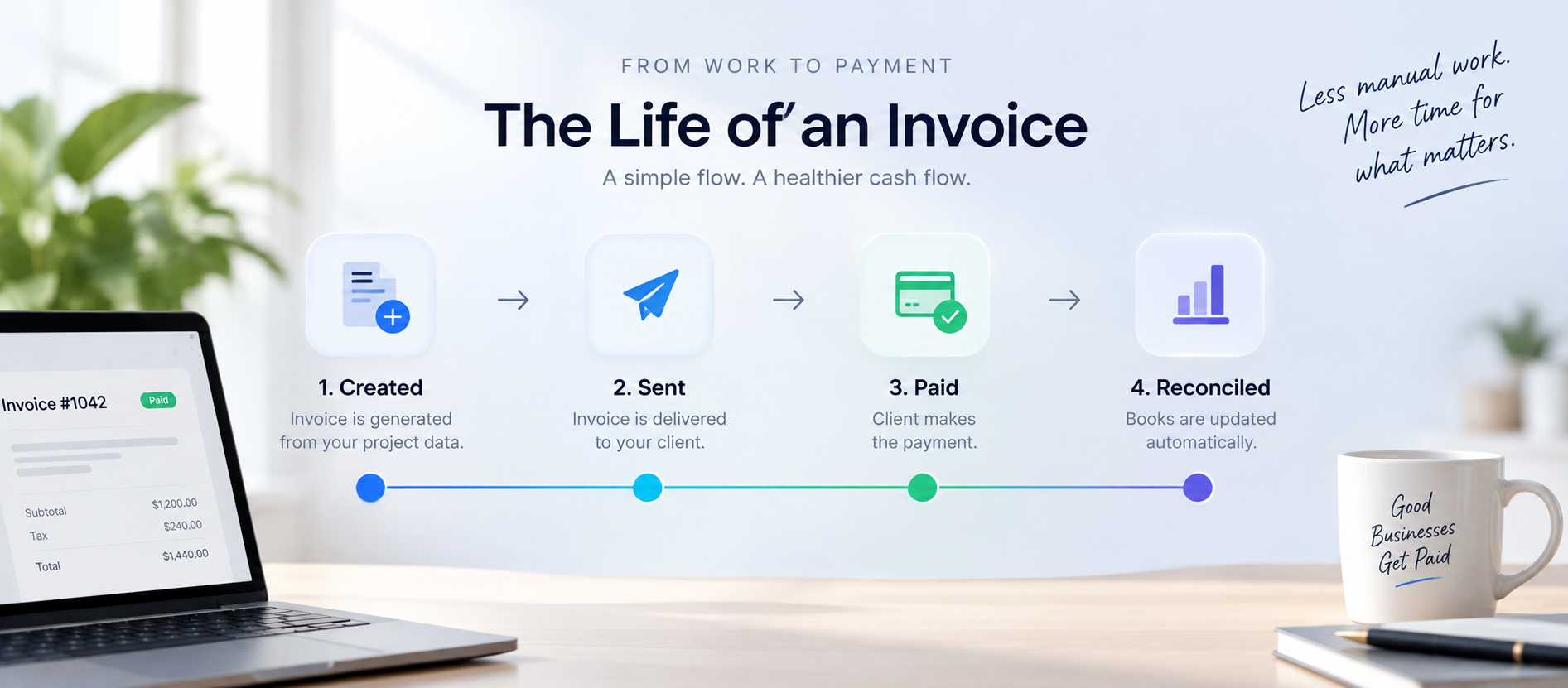
Every invoice goes through the same five moments. Each one depends on a person remembering to act, often while doing several other things at once.
- Create it. Someone has to build the invoice from scratch, usually copying details from another system.
- Send it. Someone has to remember to actually get it in front of the client.
- Track it. Someone has to notice whether it was paid, and when.
- Follow up. Someone has to decide when late is late enough to chase, and then do it.
- Reconcile it. Someone has to update the books to match what actually happened.
None of these steps is individually hard. The problem is that each one depends on memory, not a system. Automating invoicing does not change what happens at each step, it removes the part where a person has to remember to trigger it.
Point one: getting the invoice out the door
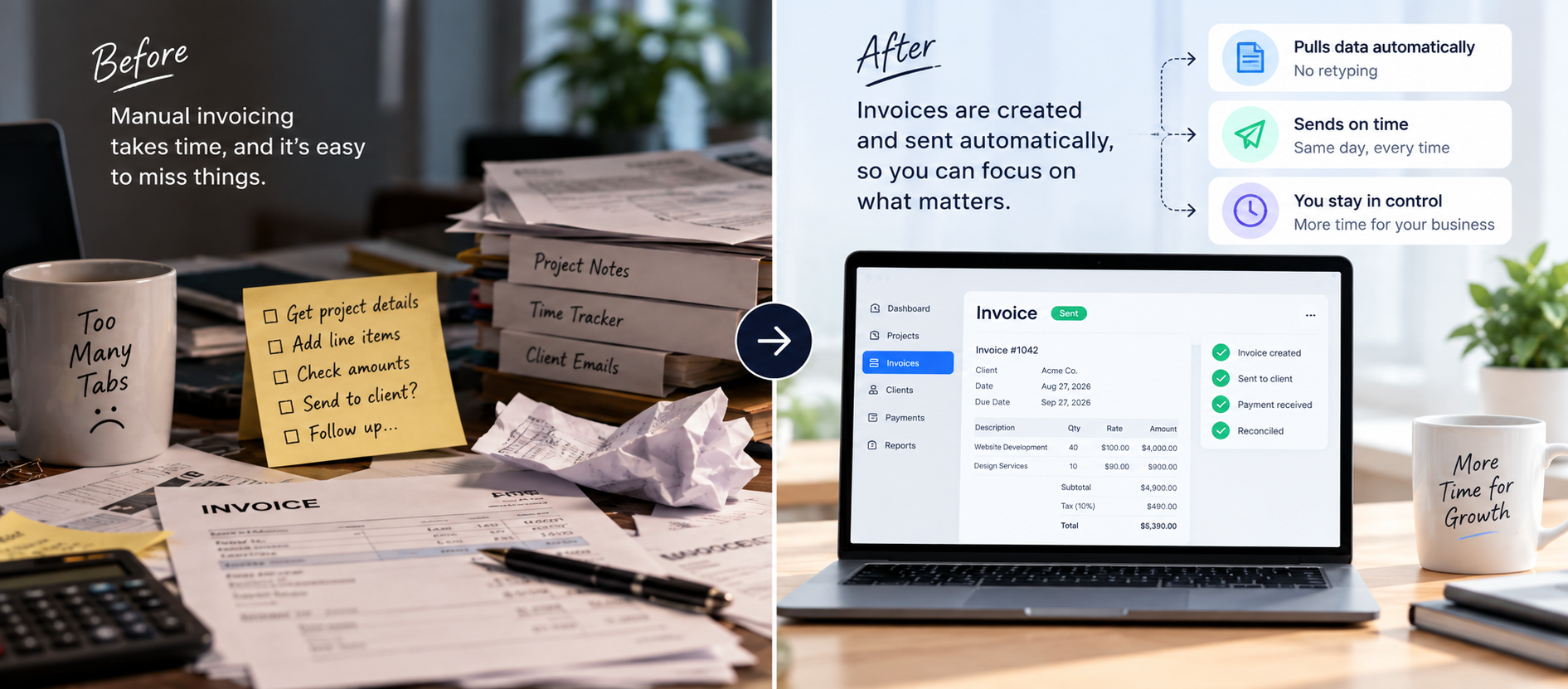
The first slowdown is usually the invoice itself, how it gets built. In a manual setup, someone pulls together everything it needs and assembles it by hand, often copying numbers from two or three different places.
What typically causes the delay:
- Details are scattered across a project tool, a time tracker, and an email thread
- Whoever builds the invoice gets pulled into something else mid task
- A number gets copied wrong, or a line item gets missed entirely
What automation changes:
- The invoice builds itself from data that already exists, no retyping
- It generates the moment a project is marked complete or a billing date arrives
- It goes out the same day, not whenever someone has a spare few minutes
Still building invoices by hand?
See what automating your invoice process would actually look like for your business.
Book a Free ConsultationPoint two: what happens after the invoice goes out
This is the part most businesses handle worst, not because it is hard, but because it depends on someone remembering to check, day after day, without any structure around it.
What usually goes wrong:
- Nobody notices a payment is late until someone happens to look
- By the time someone follows up, the silence already feels awkward
- Payment status lives in someone’s head, not in a system anyone can check
What automation changes:
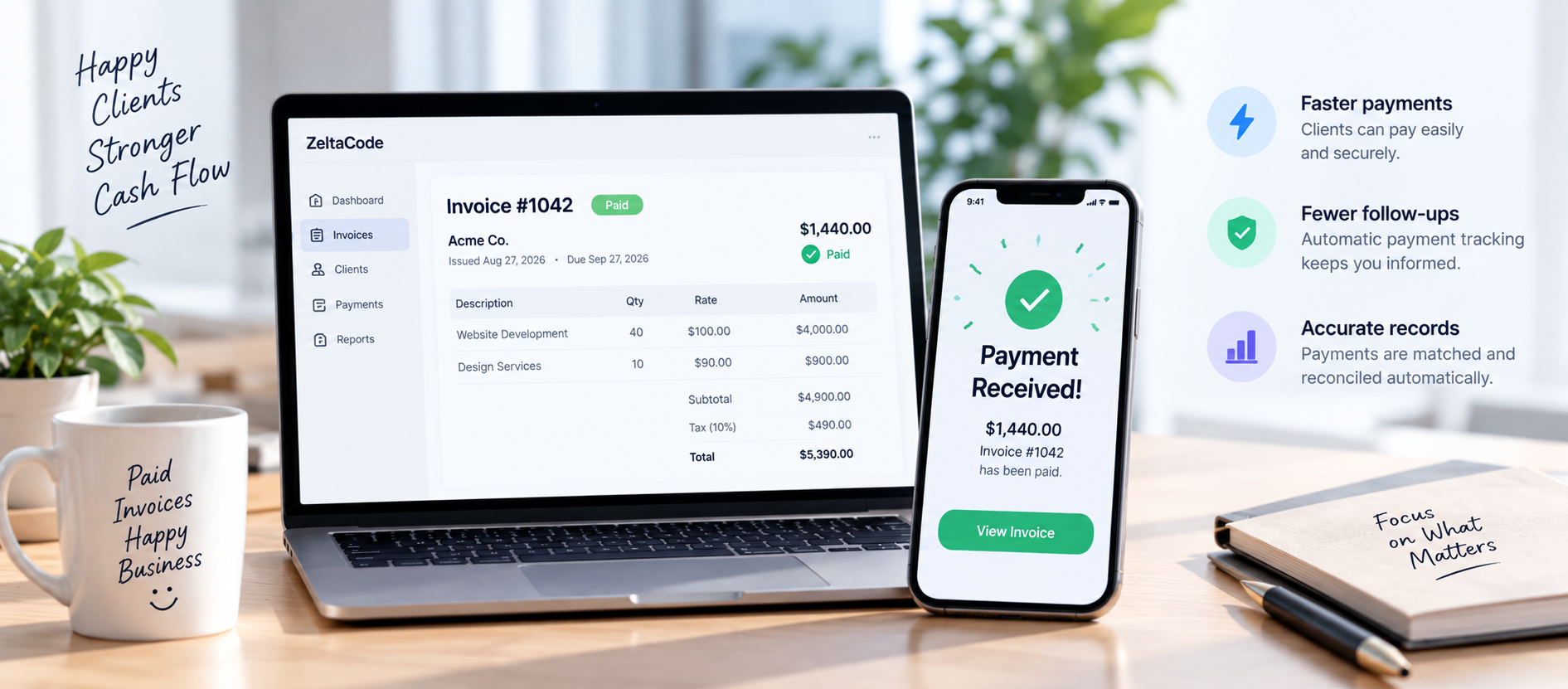
- Payment status updates the moment money actually arrives
- Reminders go out on a set schedule, worded the same polite way every time
- Nobody has to decide “today is the day I chase this”
This is also, quietly, where real revenue disappears. A single late invoice that nobody followed up on does not feel like much. Multiply that across every client over a year, and the total is rarely small.
Point three: closing the loop with your books
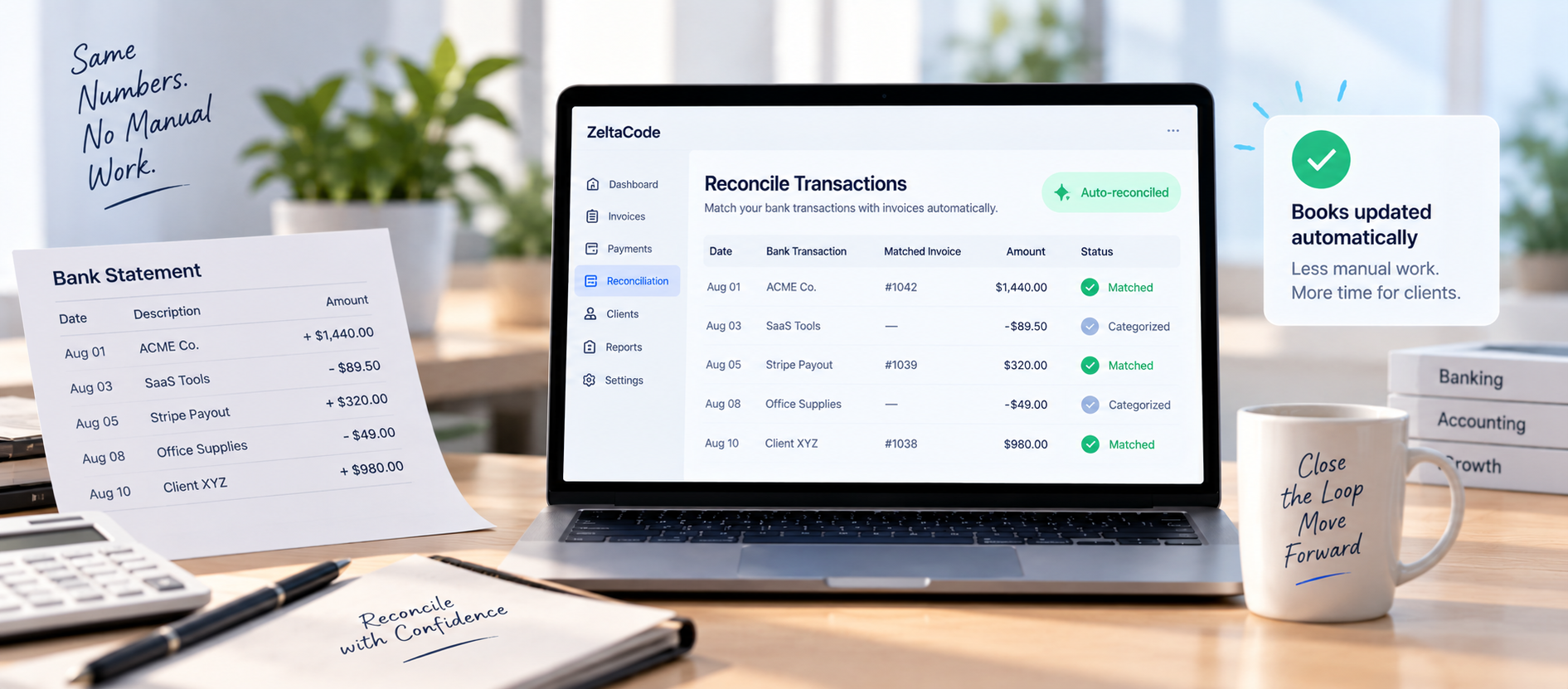
By the time an invoice is paid, it can feel like the work is done. From a bookkeeping perspective, it is not. Someone still has to mark it paid, match it to the bank transaction, and make sure the numbers actually line up.
Why this step gets delayed the most:
- It does not feel urgent once the money is already in
- It is easy to push it to “later,” and later becomes a monthly backlog
- The backlog usually surfaces at the worst time, a tax deadline or a cash flow check
What automation changes:
- A paid invoice updates your accounting system the moment payment is confirmed
- No manual re-entry, no monthly catch up session
- Your books are accurate whenever you actually need to look at them
Invoice reconciliation alone gets searched over 1,600 times a month, which tracks, since this step tends to become its own headache once a business has more than a handful of clients.
What it looks like once all three points connect
Automating just one of these points helps a little. The real payoff comes when they connect into one flow.
- A project finishes, and the invoice generates itself the same day
- The invoice goes out immediately, and payment status is tracked from that point on
- The moment payment arrives, it is matched and reconciled without anyone touching it
At that point, a person only needs to step in for the genuine exceptions, a disputed charge, an unusual payment arrangement, not the routine, repeatable parts.
Common questions
Key takeaways
- Invoicing breaks at the handoffs between steps, where a person has to remember to act.
- The three points worth automating: generating the invoice, sending and tracking it, and closing the loop with your books.
- Automating just one of the three still leaves real risk in the other two.
- Once all three connect, a person only needs to step in for genuine exceptions.
Ready to stop chasing invoices by hand?
We’ll map out exactly what automating your invoice process would look like for your business.