A new client signs up in GoHighLevel on Monday. Their name, email, and phone number are already there. On Wednesday, someone on the accounting side sets that same client up again in Xero or QuickBooks. They type in the same name. The same email. The same details. From scratch. A week later, the client changes their billing address. It gets updated in GoHighLevel. Nobody updates it in the accounting software too. Months later, an invoice bounces back to the wrong address.
This is not really anyone’s fault. It happens because two systems hold the same client information, but they cannot talk to each other. This is one of the most common gaps in how accounting and bookkeeping firms work day to day. It is also one of the easiest to fix.
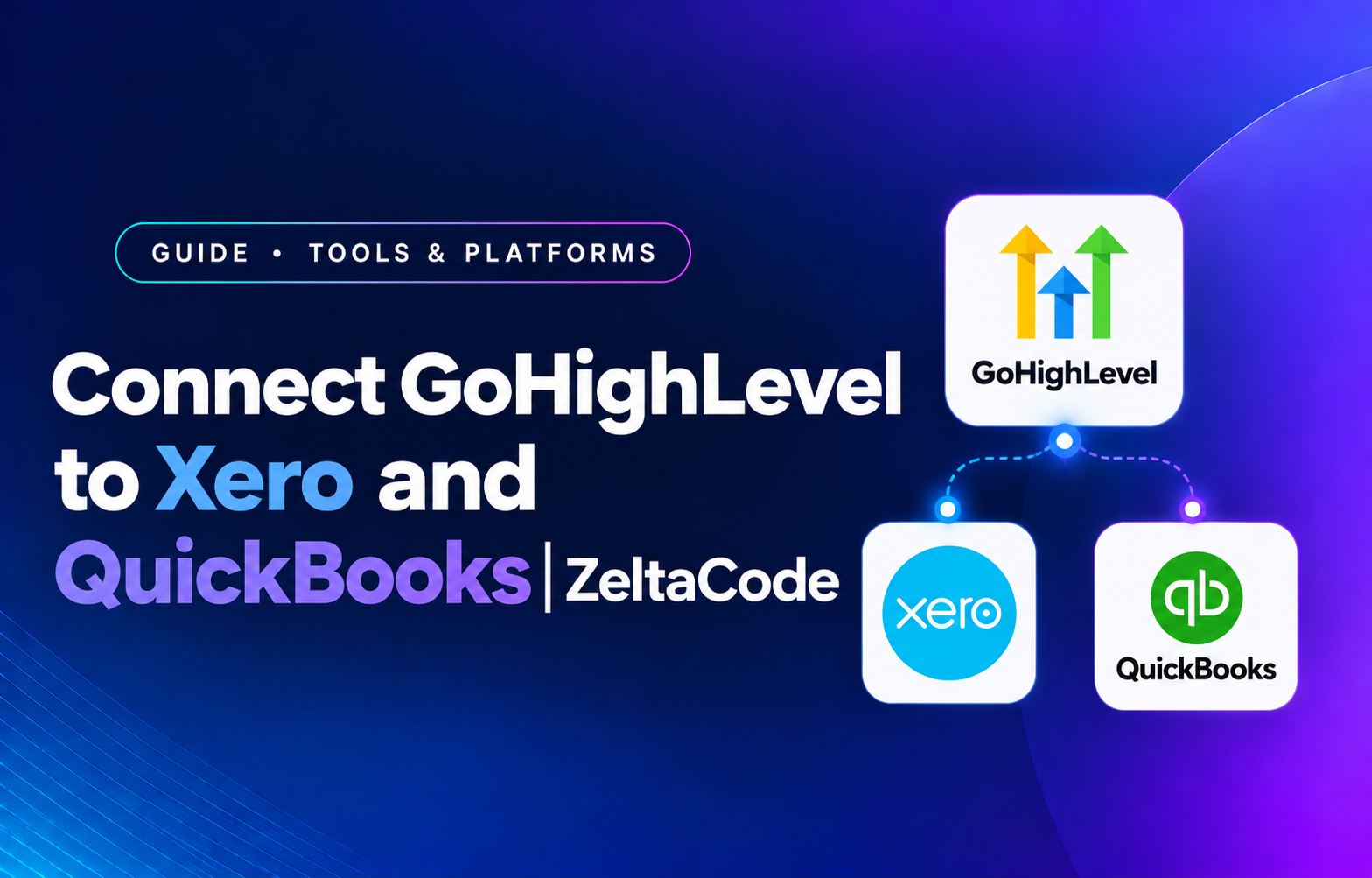
Image placeholder, hero. A simple graphic showing the GoHighLevel logo on one side, Xero and QuickBooks logos on the other, connected by a two way arrow or sync icon. Recommended size 1600×700.
Why this gap exists
GoHighLevel and accounting software do different jobs. GoHighLevel handles client relationships. It manages your pipeline, your marketing, and your sales process. Xero and QuickBooks handle the money. They manage invoices, reconciliation, and tax records.
Because they do different jobs, neither one knows what is happening in the other. A deal closing in GoHighLevel means nothing to Xero on its own. A payment landing in QuickBooks does not show up anywhere in GoHighLevel. Without a real connection, a person has to carry that information between the two systems by hand, every single time.
What this usually looks like:
- A new client gets typed into both systems separately
- Contact details go out of sync the moment something changes in only one place
- Someone has to trigger invoicing by hand, often without the full picture of what was sold
- Payment status stays hidden in the accounting software, so nobody can see it from GoHighLevel
What changes once these systems are connected
A good connection does not merge these tools into one. It lets each tool keep doing its job. It just removes the manual step of carrying information between them.
Client details stay in sync
A new or updated contact in GoHighLevel updates the same client in Xero or QuickBooks right away. If a client changes their email or address, it updates everywhere at once. Nothing goes stale in one system while staying correct in the other.
Invoices build themselves from real activity
When a deal closes in GoHighLevel, an invoice can build itself in Xero or QuickBooks. It uses the real details from that deal, the service sold, the price agreed, the client’s actual information. Nobody has to rebuild it by hand and guess at the details.
Payment status shows up where your team works
Once a payment lands in Xero or QuickBooks, it can show up inside GoHighLevel too. Your team can see who has paid without leaving the CRM or checking with the bookkeeper.
Image placeholder, sync detail. A simple before and after graphic: left side shows a client entered separately into two disconnected screens, right side shows one entry flowing automatically into both. Recommended size 1200×675.
Still entering clients into two systems by hand?
See what connecting GoHighLevel to your accounting software would actually look like.
Book a Free ConsultationA real example: onboarding a new bookkeeping client
Say a bookkeeping firm uses GoHighLevel for leads and onboarding, and QuickBooks for the actual books. Without a connection, here is what happens. A prospect books a call through GoHighLevel. The deal moves through the pipeline. It closes. Someone has to notice the deal closed. They open QuickBooks. They create a new client from scratch. They set up billing by hand. They send the first invoice themselves. Every one of those steps depends on someone remembering to do it.
With the two systems connected, the deal closing is the only trigger needed. QuickBooks creates the client automatically, using details already captured during the sale. Billing sets up based on what was already agreed. The first invoice goes out right away, not whenever someone gets to it. The only step left for a person is the actual conversation with the client, which is the part that needed a person anyway.
Image placeholder, accounting context. A visual showing a firm’s dashboard view with client status, invoice status, and payment status all visible together in one place. Recommended size 1200×675.
Why this matters more for accounting firms
Every business feels some version of this gap. It hits accounting and bookkeeping firms harder for one reason. The accuracy of the books is the actual product being sold. A CRM mistake at a marketing agency might mean an outdated contact list. That is annoying, but low stakes. The same kind of mistake at an accounting firm can mean an invoice sent to the wrong address, a payment recorded against the wrong client, or a service billed at the wrong rate.
Firms using GoHighLevel for client relationships, alongside Xero or QuickBooks for the books, are common now. Both tools are genuinely good at their own job. Connecting them properly is not just a nice extra. It closes the exact spot where mistakes are most likely, and most expensive to fix afterward.
What to check before connecting these systems
- Pick which system is the source of truth. If both tools can edit the same client details, you need a clear rule for which one wins when they disagree. Otherwise the sync creates two different versions of the same client instead of fixing anything.
- Map your invoice categories first. Xero and QuickBooks both depend on specific categories to keep your books usable at tax time. A sync that ignores those categories, or gets them wrong, creates more cleanup later than it saves now.
- Keep a person checking anything unusual. A custom invoice, a discount, or a one off client should still get a real look before it goes out. It should not go through automatically just because the rest of the process is automated.
- Plan for what happens if the connection breaks. APIs change without warning. A connection that fails quietly is worse than no connection at all, since nobody notices until the numbers stop matching, sometimes weeks later.
Common questions
Key takeaways
- GoHighLevel and your accounting software do different jobs, and neither one knows what the other is doing without a real connection.
- Connecting them stops duplicate data entry, keeps client details in sync, and makes payment status visible in one place.
- This matters more for accounting firms, since the accuracy of the books is the actual product being sold.
- Pick a source of truth and map your categories before connecting anything, not after something has already gone wrong.
Ready to connect your CRM and accounting software properly?
We’ll map out exactly what connecting GoHighLevel to Xero or QuickBooks would look like for your firm.